

What if something breaks?
Every system has a part it can’t do without. Most teams find out which one during an outage. This walkthrough finds it on purpose: you’ll pull the plug on a database, then on a whole cloud region, see how many people notice, and test the fix without touching the map.
You’ll use the Checkout system template, as in Will it survive Black Friday?. Open it from Templates with Use template, or carry on with the copy you made there.
1. Take the database down
Section titled “1. Take the database down”You break things inside a scenario, so start one first.
-
Open Scenarios and pick Normal day. Drag the playhead to about 20:00, the busiest part of the day.
-
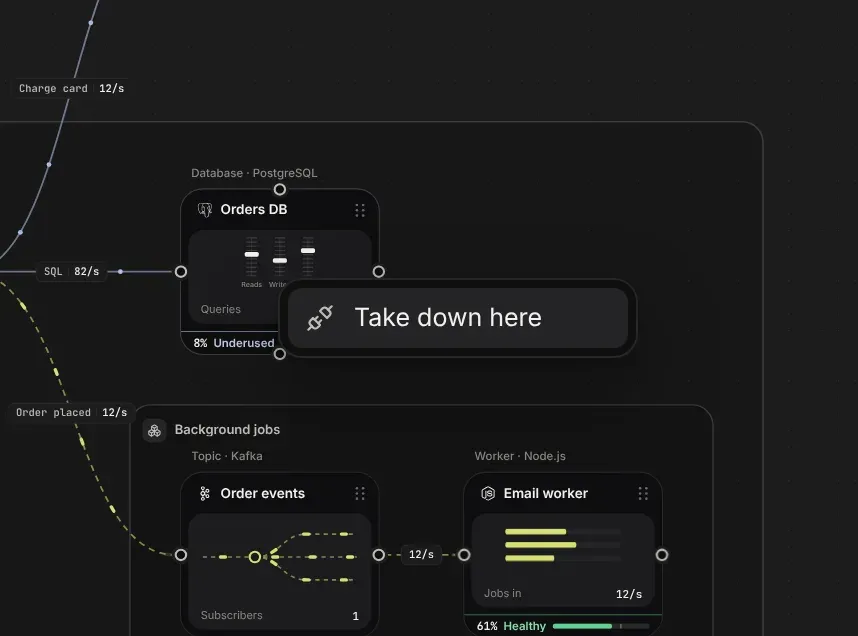
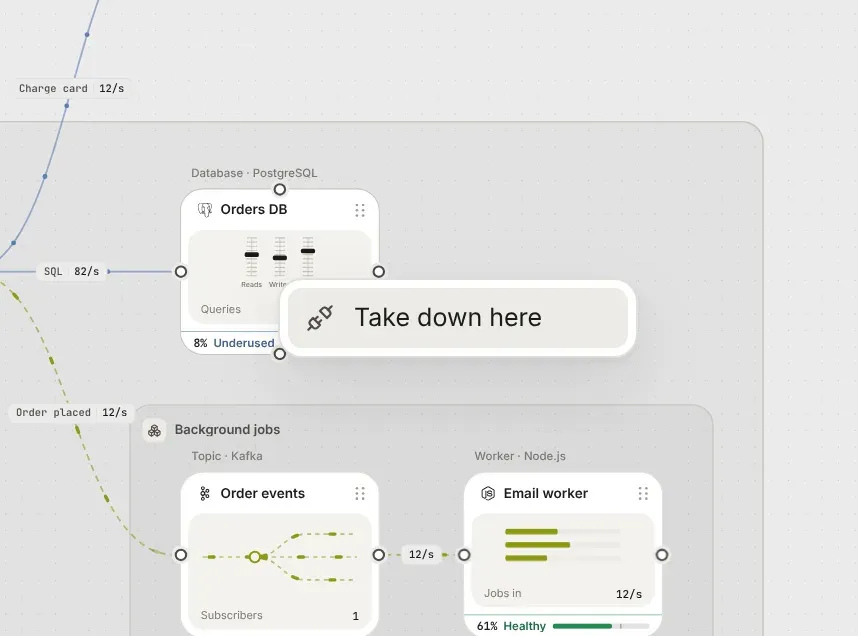
Right-click Orders DB on the canvas and choose Take down here. It goes down at the playhead, for ten minutes.
2. See who notices
Section titled “2. See who notices”The Orders DB fades behind a dashed red outline. The line into it turns red, and its dots fade out before they arrive. Shoppers and the web shop show 33% fail on their strips.
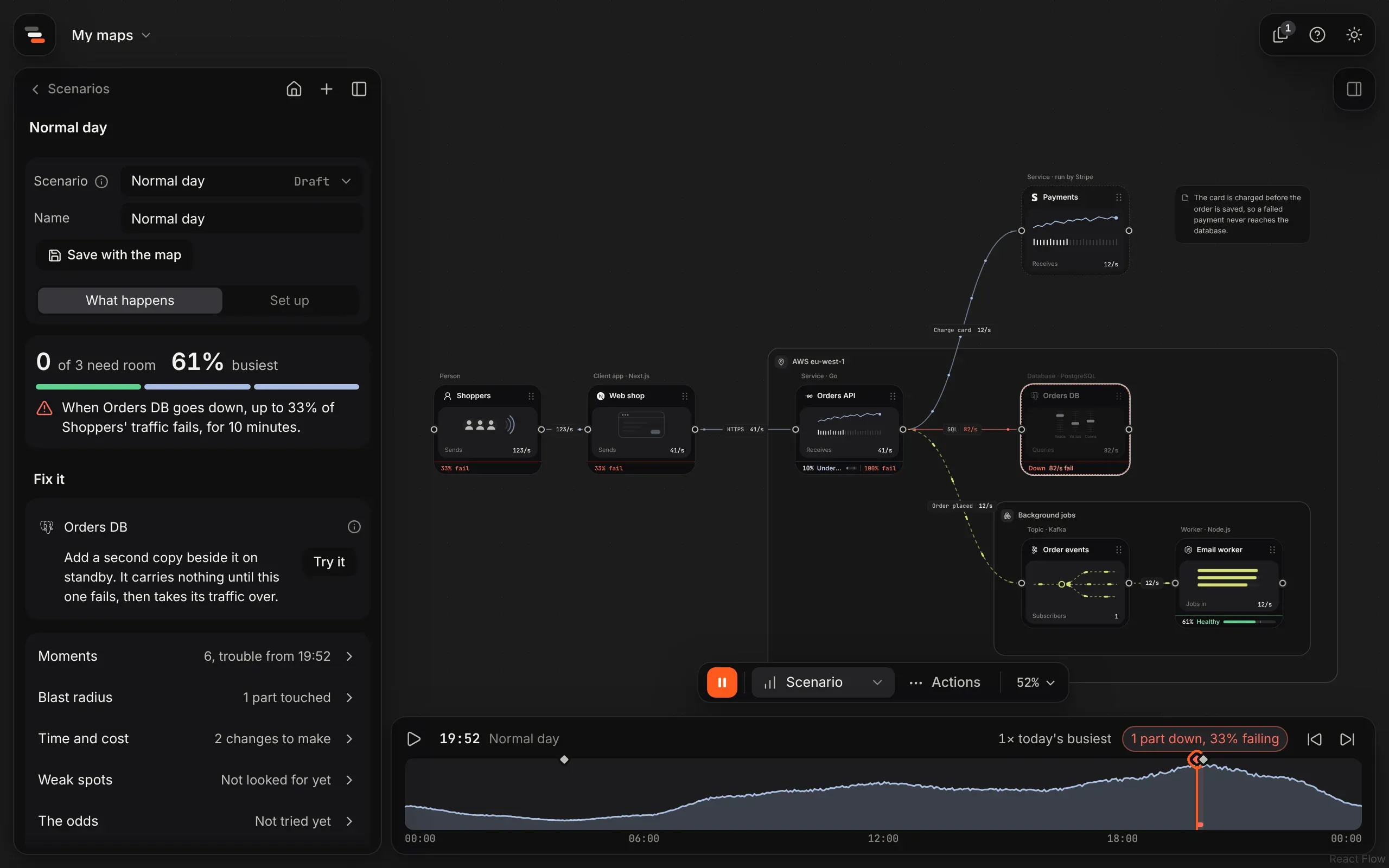
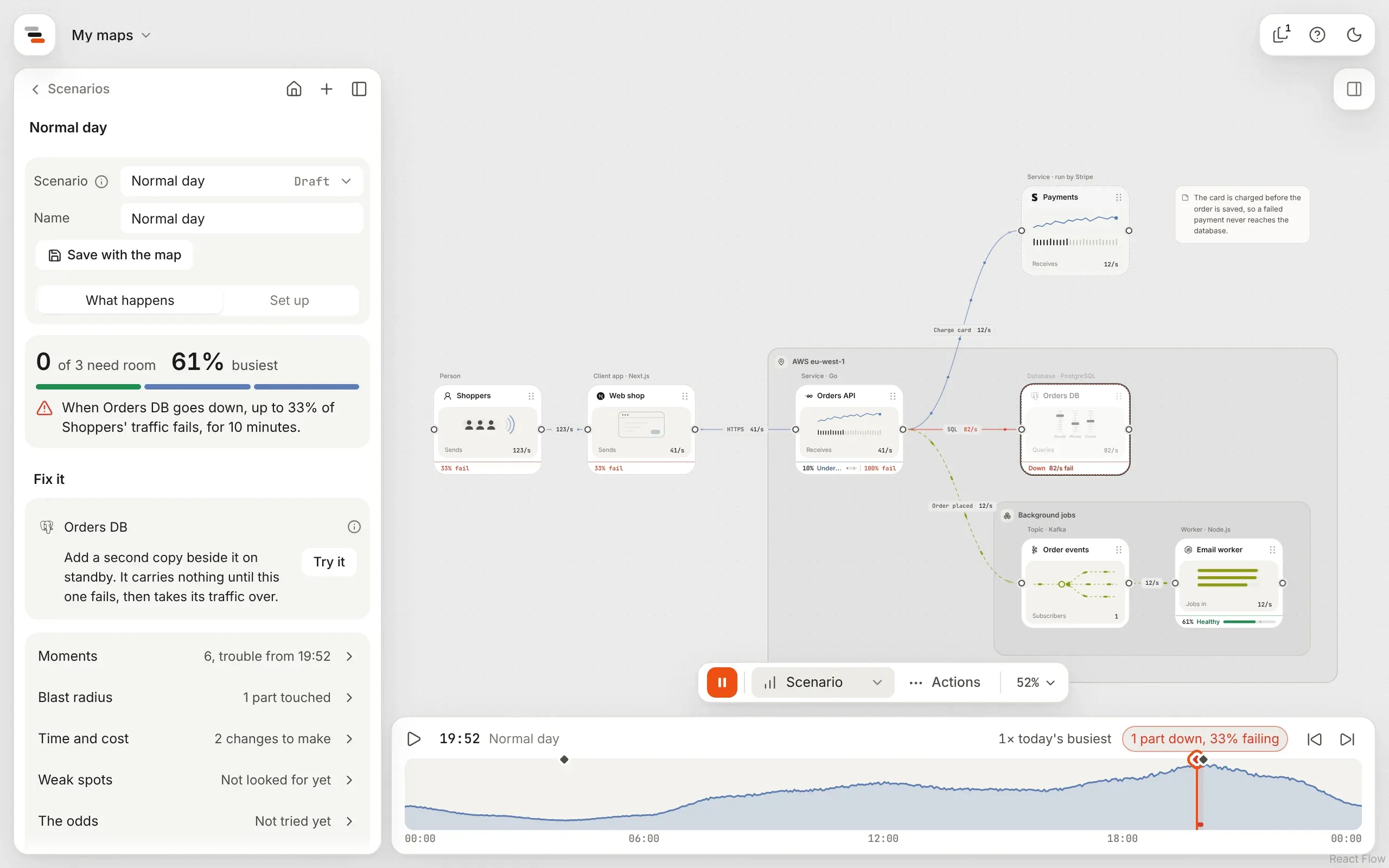
Why a third? Shoppers make 120 requests a second. 40 of those place an order, and every order is saved in the Orders DB. The other 80 are people browsing, which the web shop handles on its own, so they carry on as if nothing happened.
The panel’s summary says it in one sentence: up to 33% of Shoppers’ traffic fails, for 10 minutes. Open Blast radius to see what the failure touched and how much failed in all: about 24,000 requests.
3. Try the fix in a proposal
Section titled “3. Try the fix in a proposal”Fix it now starts with how to survive this. Nothing takes over when the Orders DB goes down, so it’s a single point of failure, and the fix is a change to the map’s shape: a standby copy of the database beside it.
-
Select Try it beside the fix. Flozu starts a proposal: a copy of the map with the standby database added, opened at the same moment of the same scenario.
-
Look at the top left. It says Copes now: with the standby, nobody notices the database going down.
-
The map itself hasn’t changed. Choose Adopt at the end of the island to make the proposal the map, or leave it for now.
4. Take a whole region down
Section titled “4. Take a whole region down”A single database is one thing. What if everything in AWS eu-west-1 goes dark?
-
Go back to the map, open Scenarios and pick Region down. It takes the map’s busiest region down for half an hour at the day’s peak.
-
Everything in the region is dashed in red and marked Down. The summary says: when AWS eu-west-1 goes down, up to 33% of Shoppers’ traffic fails, for 30 minutes. That’s about 72,000 requests.
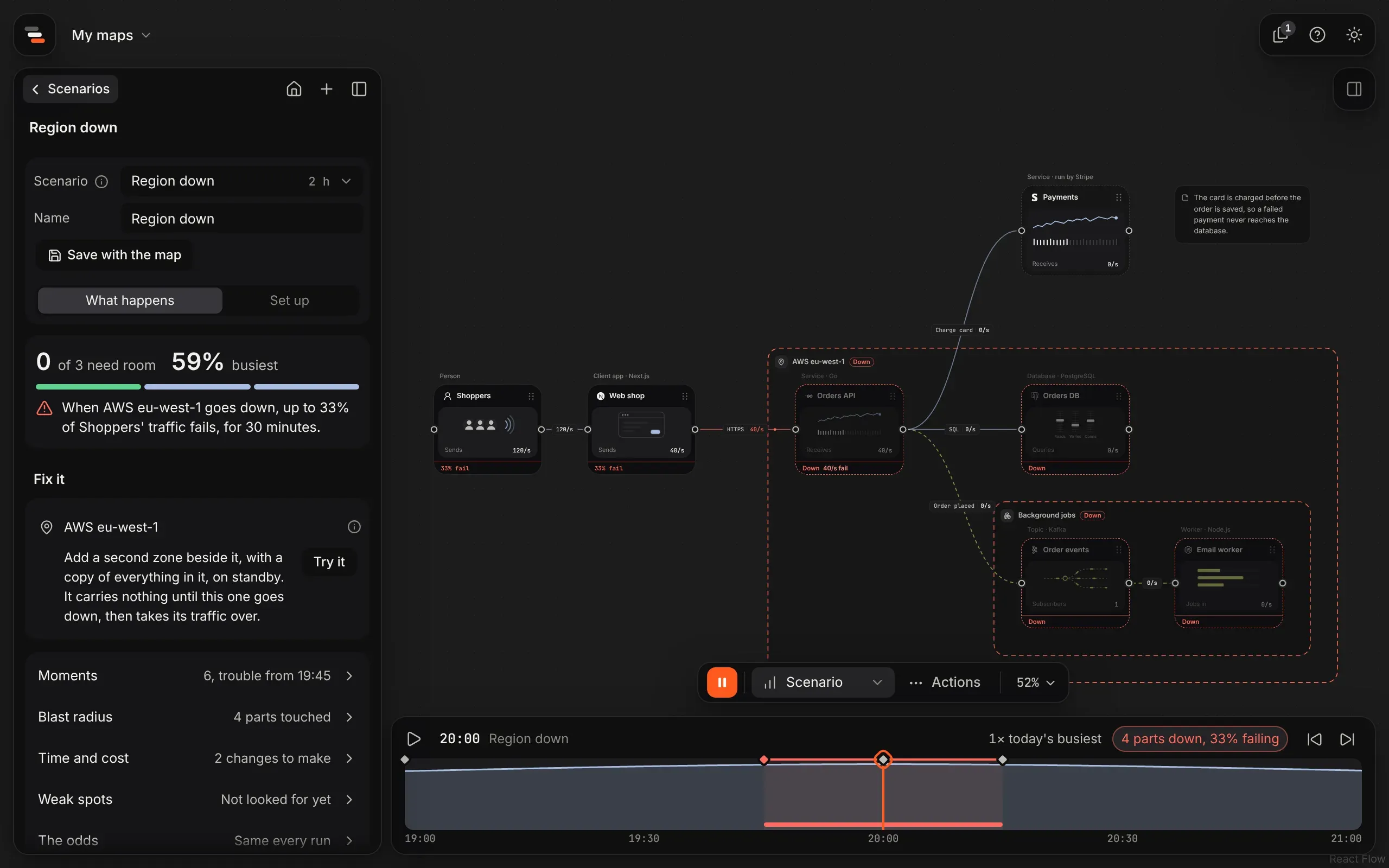
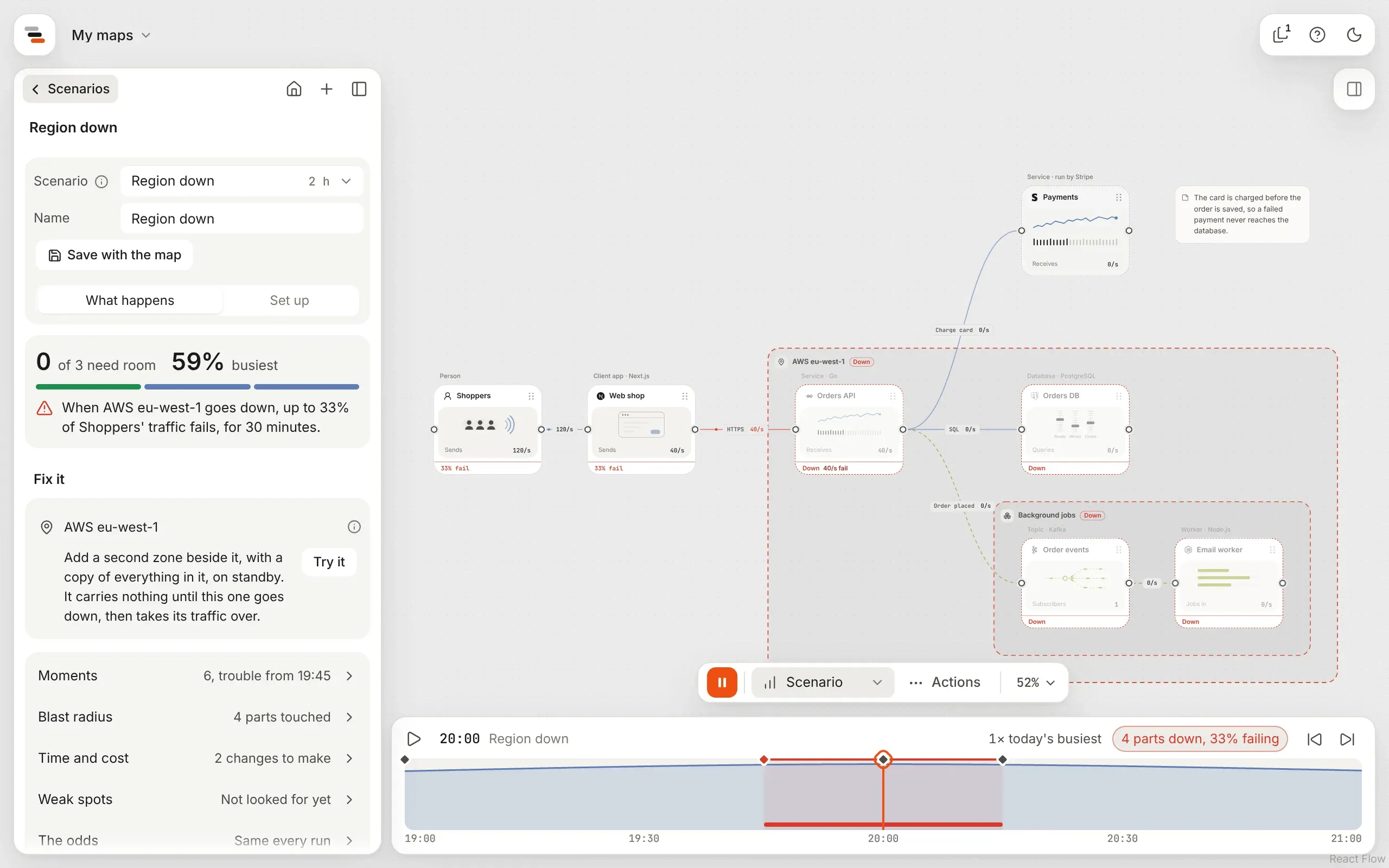
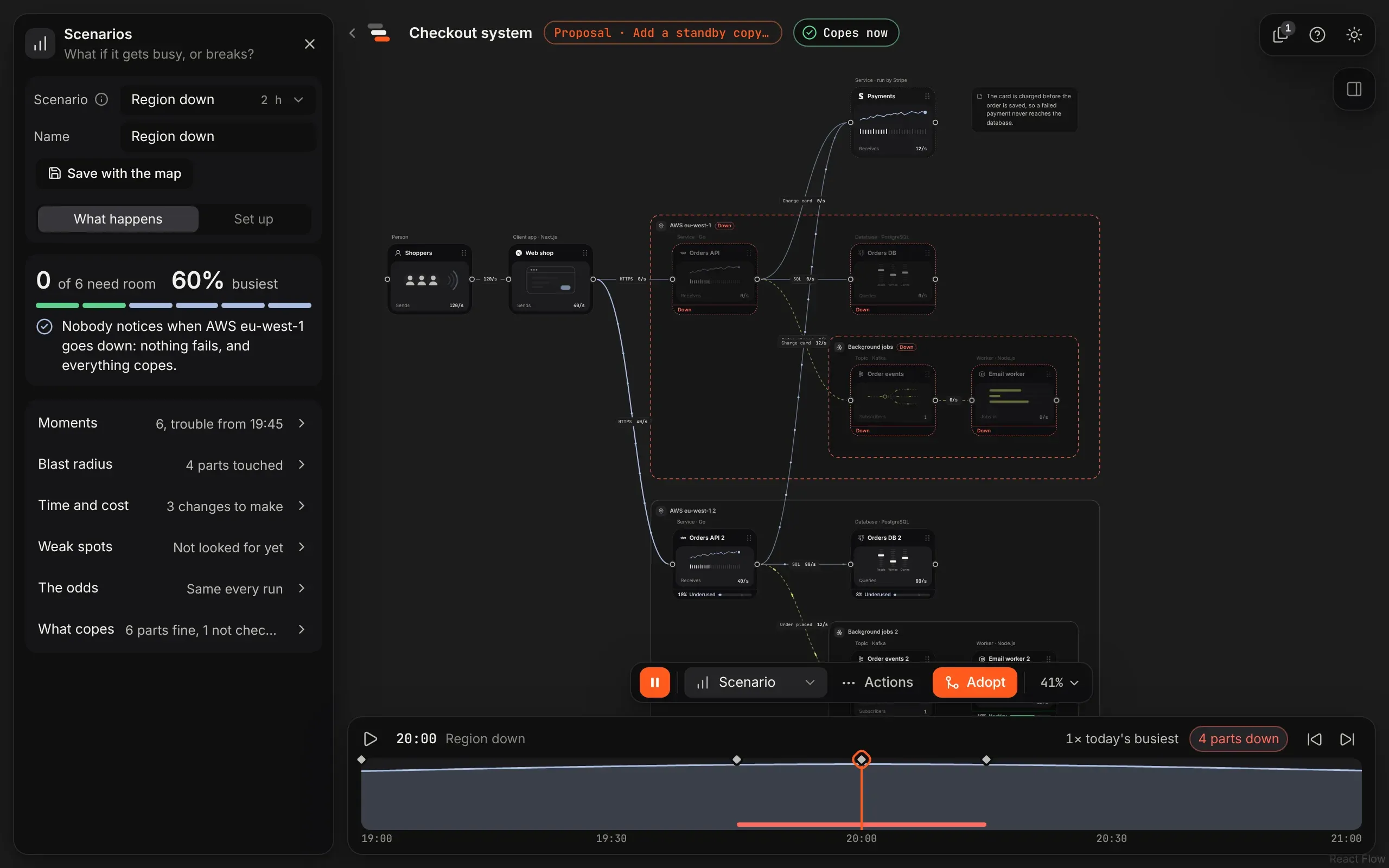
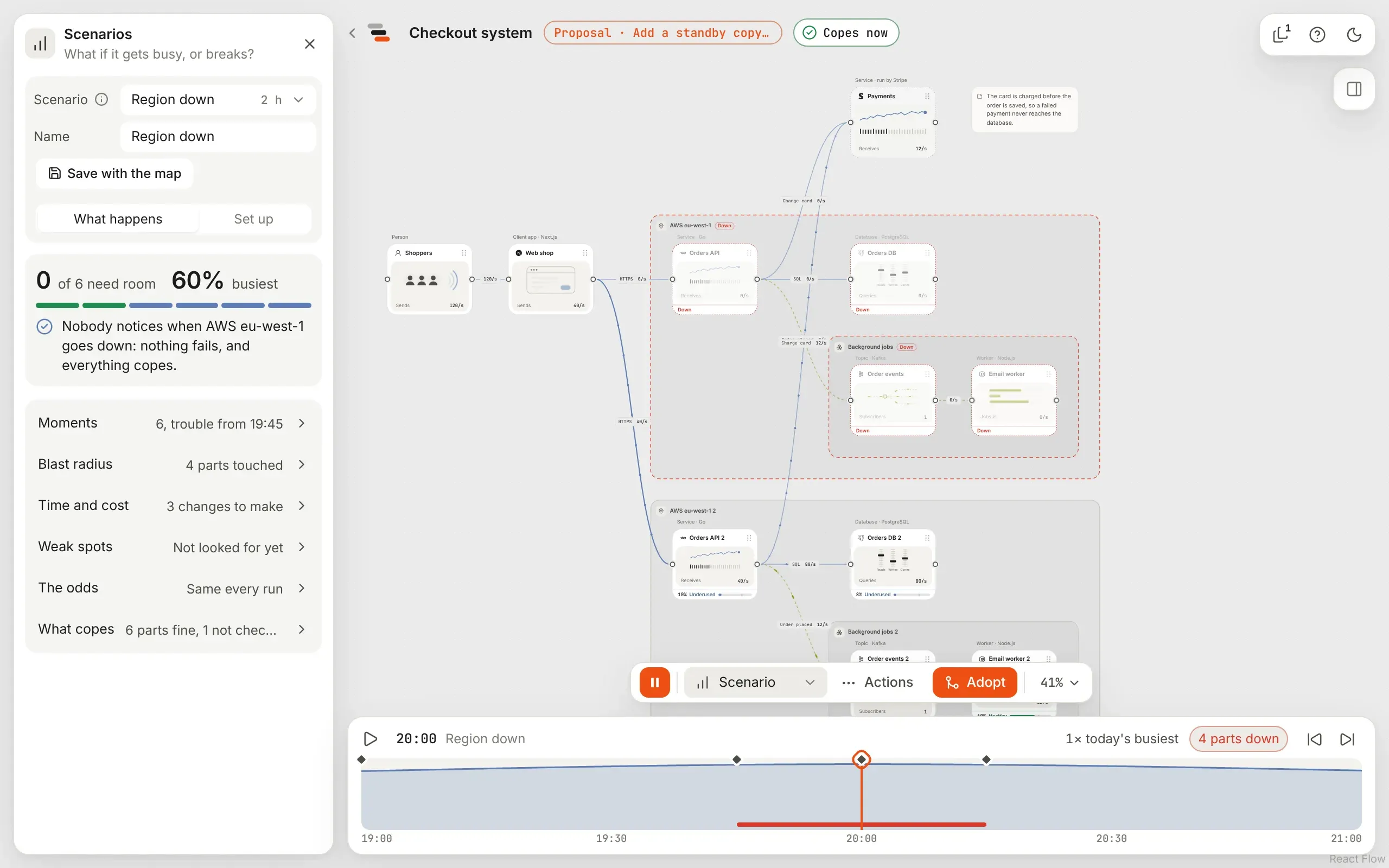
The fix this time is a second zone: a copy of the region, with a copy of everything in it, standing by. Select Try it again, and the proposal says Copes now.
5. Find the weak spots you didn’t think of
Section titled “5. Find the weak spots you didn’t think of”You picked the database because it seemed risky. Flozu can check every part instead.
-
In any scenario, open Weak spots under What happens and select Find weak spots.
-
Flozu takes each part and zone down in turn, for an hour at the busiest moment, and lists them by how much fails.
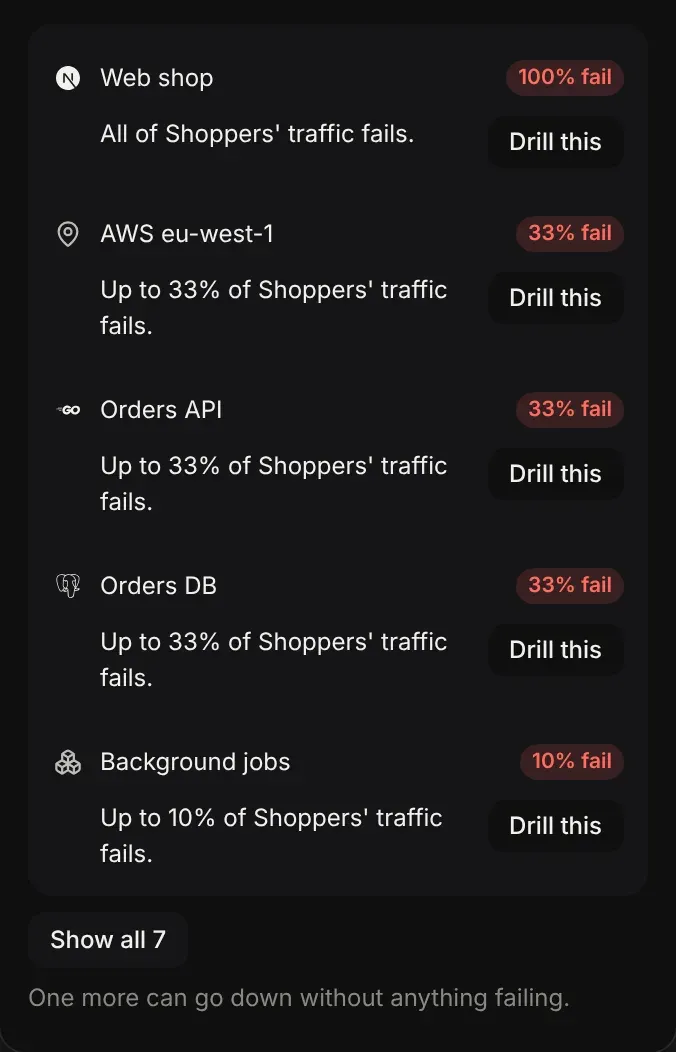
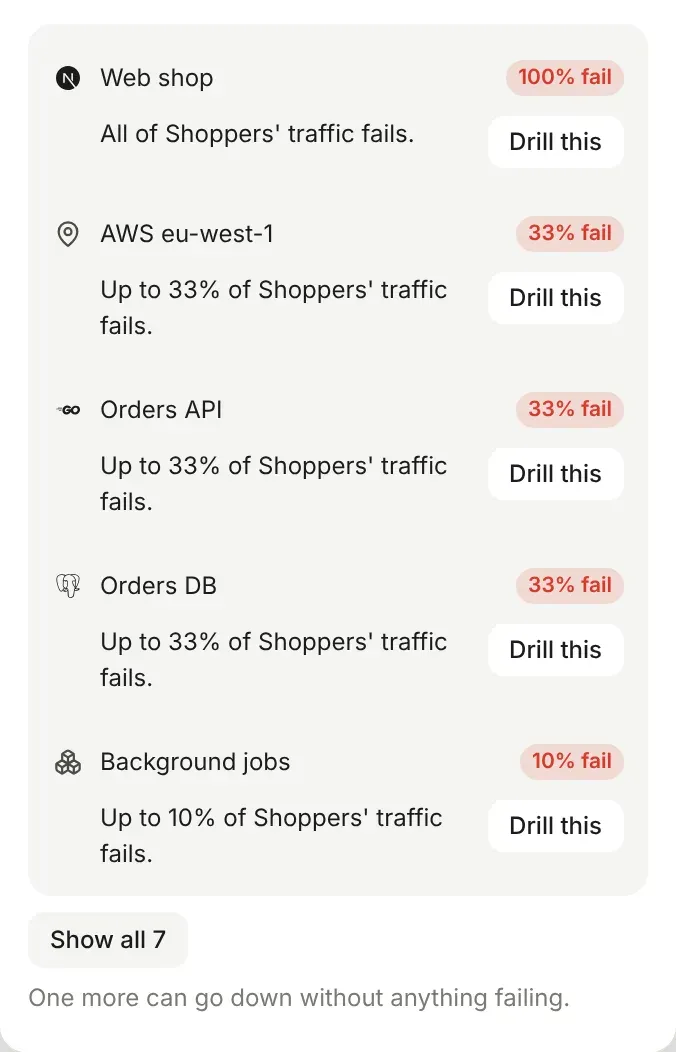
The worst one isn’t in the cloud at all. Losing the web shop fails every request, because everything goes through it. The region, the Orders API and the Orders DB come next at a third each, then Payments and Order events at a tenth. Drill this adds that failure to the scenario so you can watch it play.
What you learned
Section titled “What you learned”- Who notices depends on the lines. Requests carry a failure back to the people waiting; messages only carry back a send that fails on the spot.
- A single point of failure needs a change of shape, not more capacity: a standby copy, a second zone, or a queue in front.
- Proposals let you prove a fix first. The map only changes when you adopt.
- Make the case for a fix turns this proposal into something to show your team.
- Failure drills covers degraded parts, cut lines and every kind of fix.