

Usage
Flozu is free during the beta. Maps kept in an account have fair-use limits that keep it quick for everyone, and normal use never comes close. Usage shows how much of each limit the workspace you’re in uses. Maps kept on this device, in the browser or as files on your Mac, have no limits, so there’s nothing to count for them.
Open it
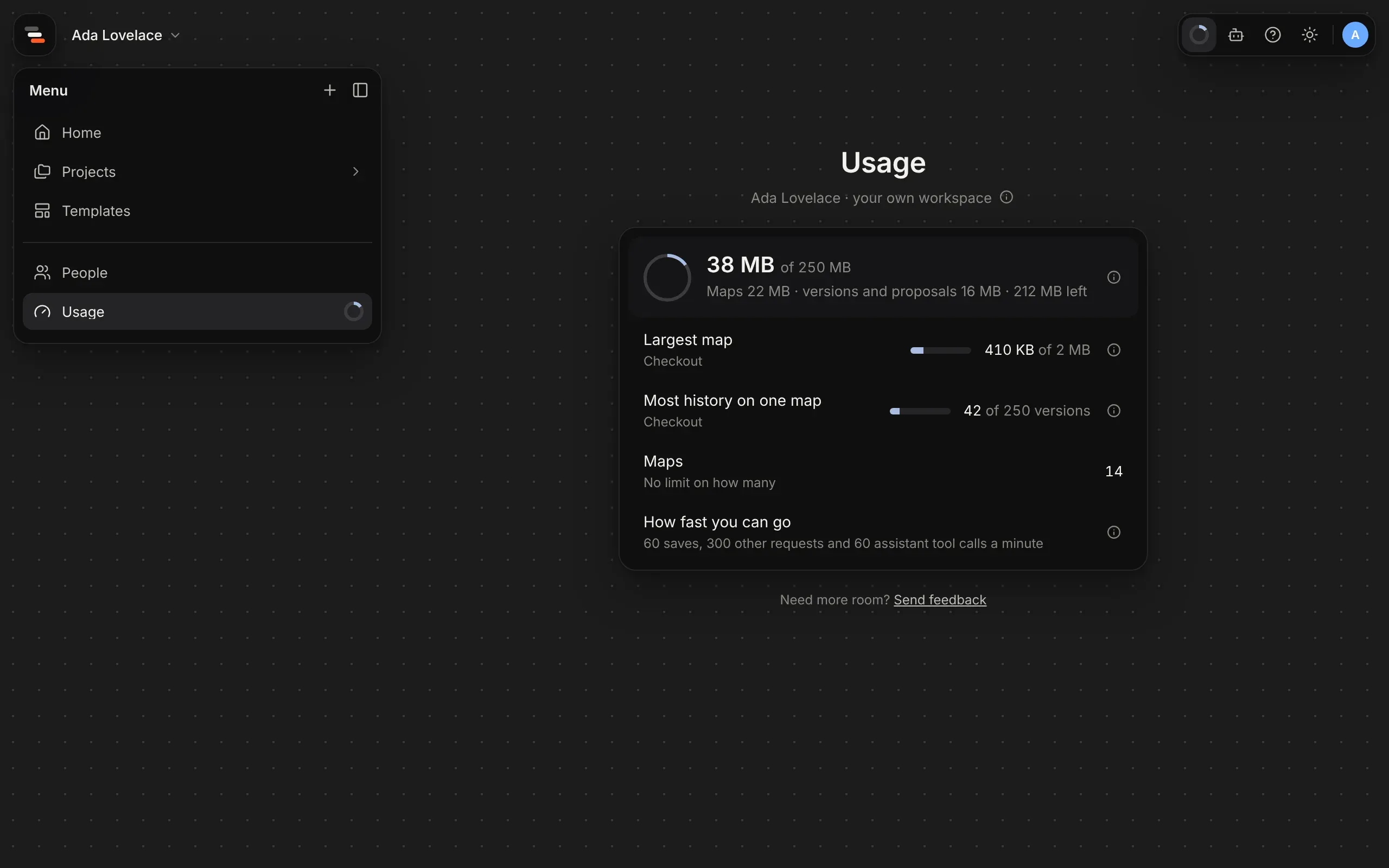
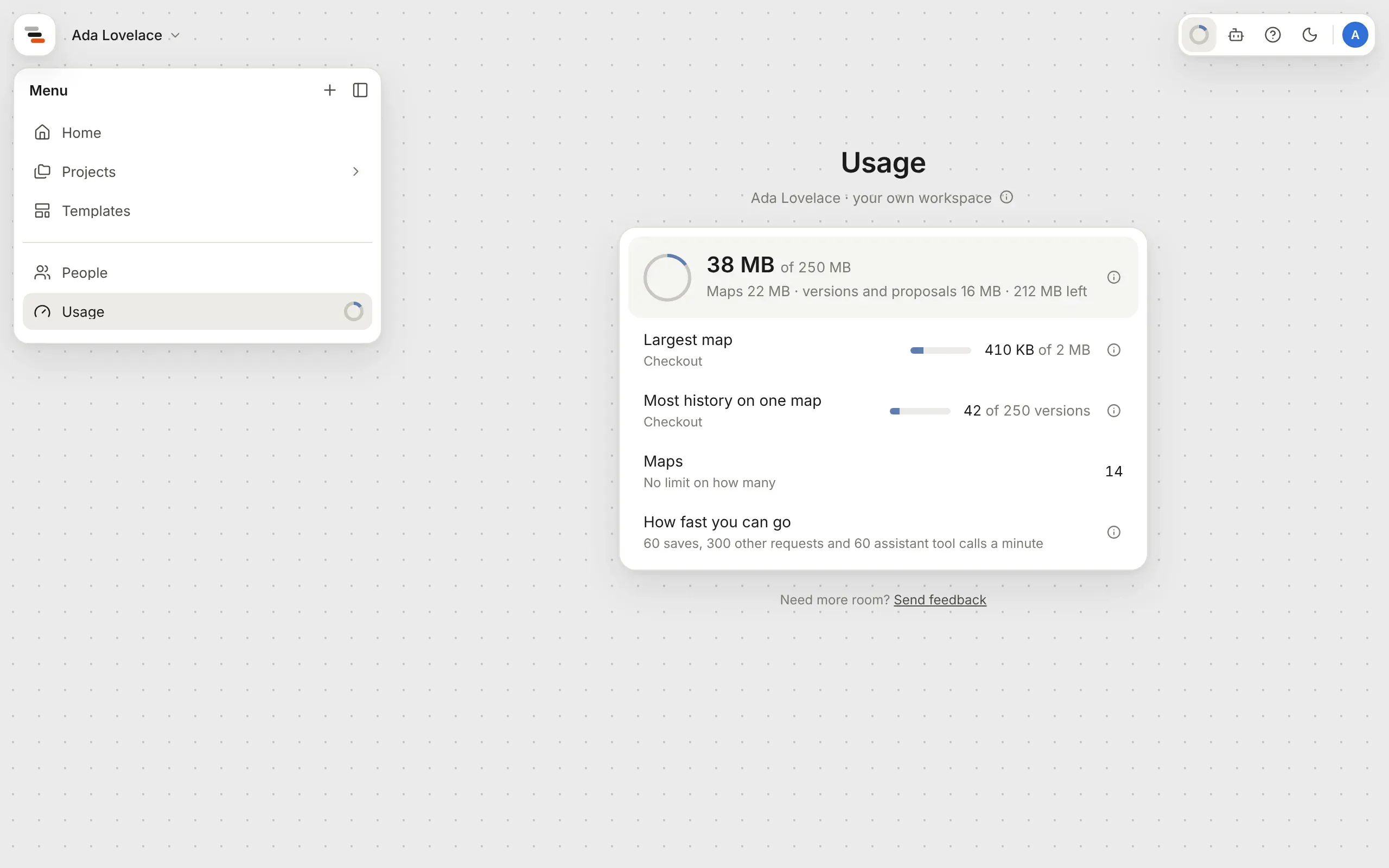
Section titled “Open it”When you’re signed in, the menu down the left has a Usage row with a small ring at its end. The ring fills as the workspace’s storage fills, and turns the warning colour once it’s 80% full, so you can see at a glance how much room is left. The same ring sits first in the bar of buttons at the top right of every screen. Select the ring, the row, or Usage in your account’s menu, to open the page.
What it shows
Section titled “What it shows”The page shows the workspace you’re in. Switch workspace to see a team’s: everyone in a team shares its storage.
| Row | What it counts |
|---|---|
| Storage | Your maps and their versions and proposals, as they’re kept, out of 250 MB for your own workspace or 1 GB for a team. A full workspace still saves the maps already in it, but takes no new maps or versions until something is deleted. |
| Largest map | The largest map. Each map can hold up to 2 MB; split a large one into maps inside its parts. |
| Most history on one map | The map with the most versions and proposals. Each map keeps up to 250; delete ones you don’t need to make room. |
| Invites | For people who run a team: how many people the team has invited in the last 24 hours, out of 50 a day. |
| Maps | For everyone else: how many maps the workspace holds. There’s no limit on how many; only their size counts. |
| How fast you can go | How many saves, assistant tool calls and other requests Flozu takes a minute from each person, so one busy tab or assistant can’t slow it down for everyone. Go faster and Flozu asks you to wait a minute; autosave never comes close. |
A row that’s 80% full or more says Nearly full. Select a map’s name to open it, and an ⓘ for what a limit means.
If you need more room, select Send feedback under the panel and tell us what you’re mapping.