

Make the case for a fix
You know the checkout goes down with its cloud region, and you know a standby region fixes it. Your manager wants to know three things: does it really fix it, what does it cost, and can you show them in five minutes? This walkthrough answers all three on the Checkout system map.
It picks up from What if something breaks?, but works on its own.
1. Give the parts a price
Section titled “1. Give the parts a price”A fix that doubles your servers isn’t free, so put the running costs on the map first. Costs on the map before you try the fix are carried into the proposal, so both sides are priced the same way.
-
Select Orders API, open its Traffic tab, and set Costs to 0.40, in dollars an hour.
-
Do the same for Orders DB at 1.20 and Email worker at 0.10.
Use your real bill if you have it. Rough numbers are fine: what matters is the difference between two designs.
2. Try the fix in a proposal
Section titled “2. Try the fix in a proposal”-
Open Scenarios and pick Region down. Up to 33% of Shoppers’ traffic fails for 30 minutes.
-
Under Fix it, beside the second zone, select Try it. Flozu opens a proposal: a copy of the map with a standby copy of AWS eu-west-1 and everything in it. The top left says Copes now.
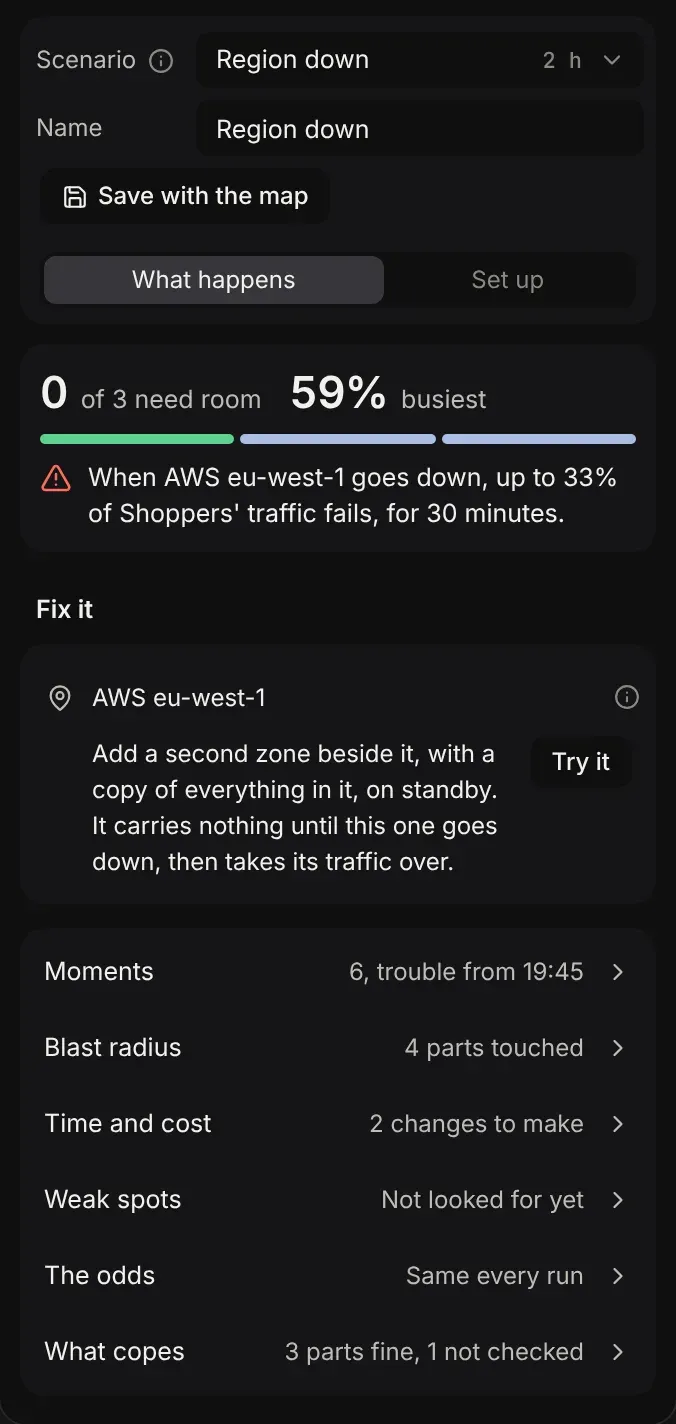
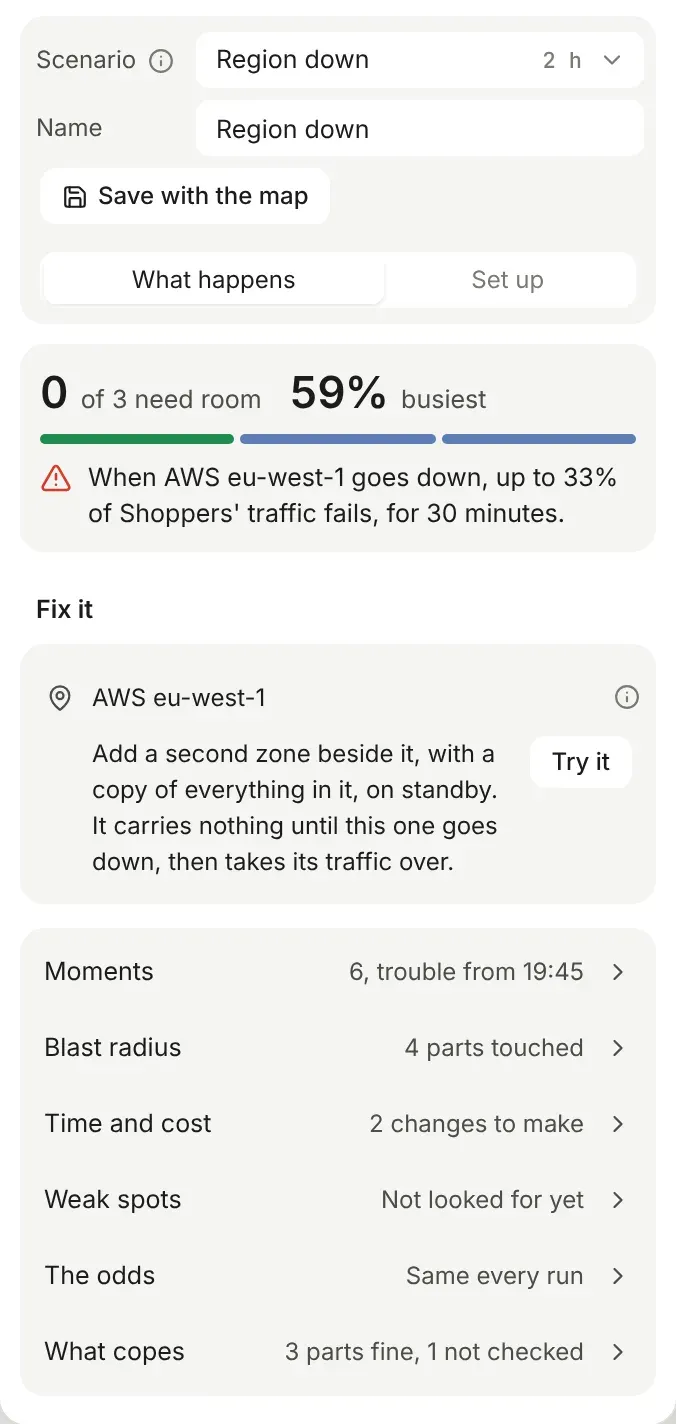
Nothing on the map has changed yet. The proposal is where you work until you’re sure.
3. Prove it, side by side
Section titled “3. Prove it, side by side”-
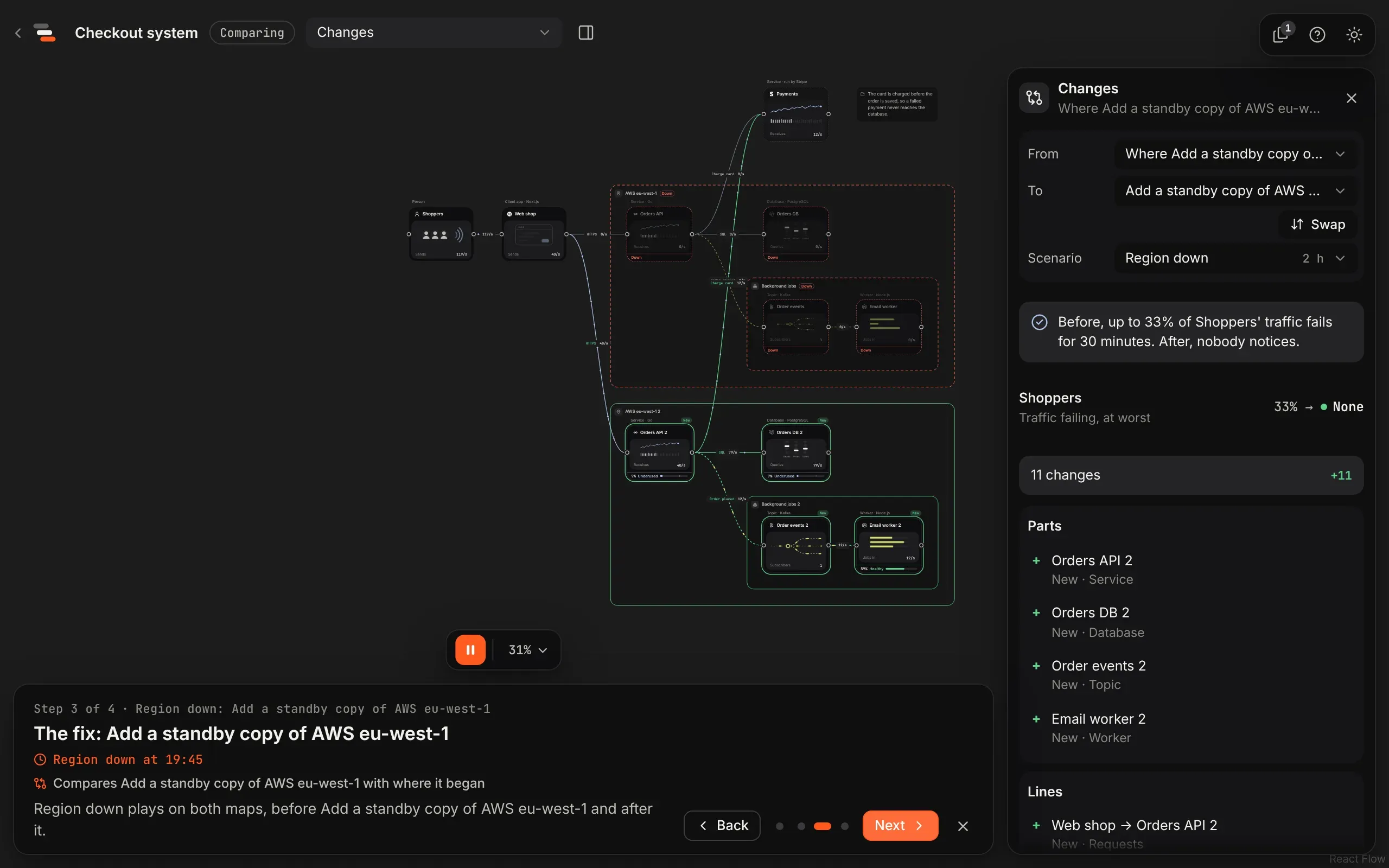
Select Copes now at the top left. The Compare screen opens with the map as it was on one side and the proposal on the other, and Region down playing on both.
-
One timeline drives both maps. Drag it to 19:45 and watch the first map’s region go down and the second carry on.
-
Read the panel. It says what the change did, in one sentence:
Before, up to 33% of Shoppers’ traffic fails for 30 minutes. After, nobody notices, for about $1,241 a month more.
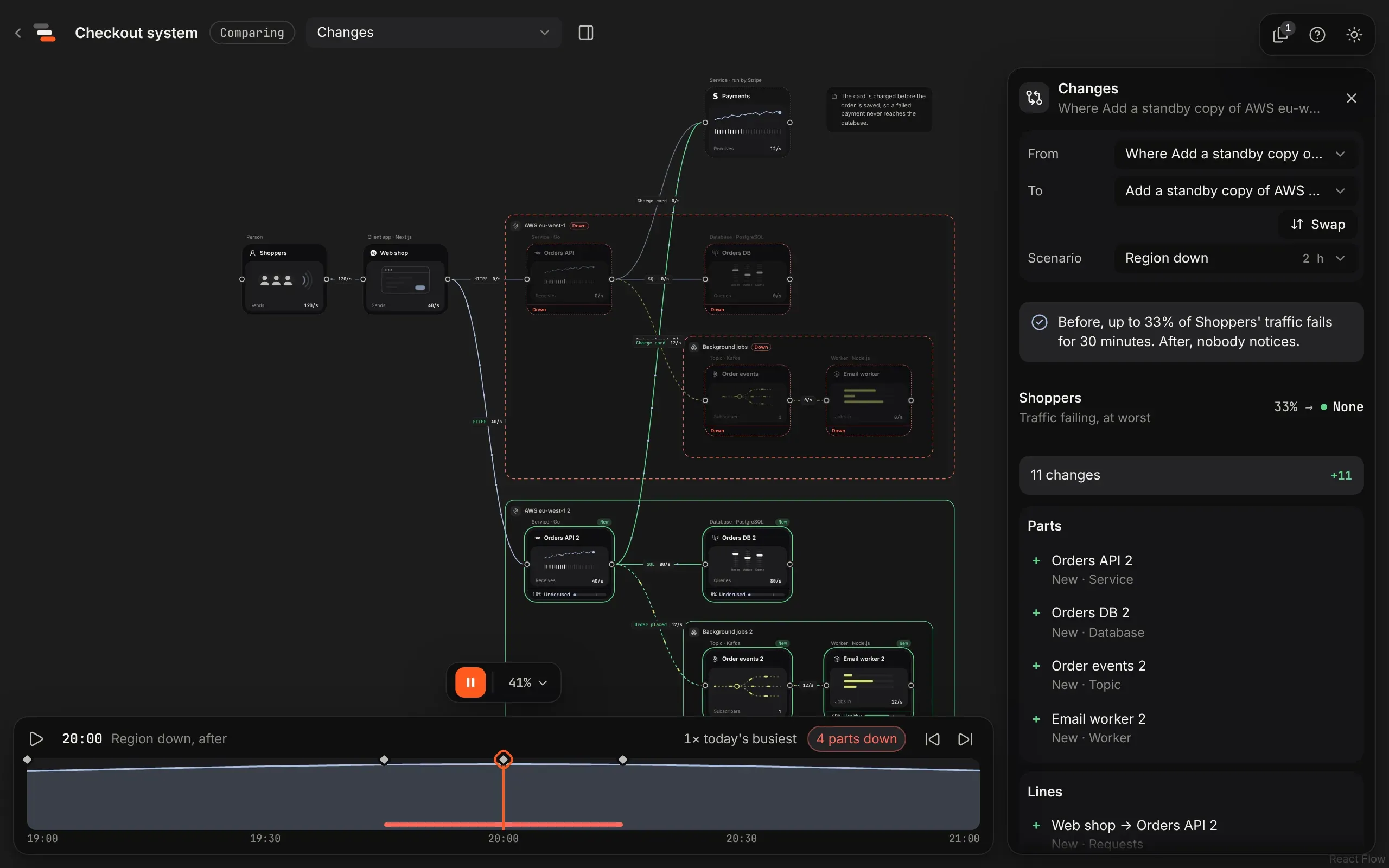
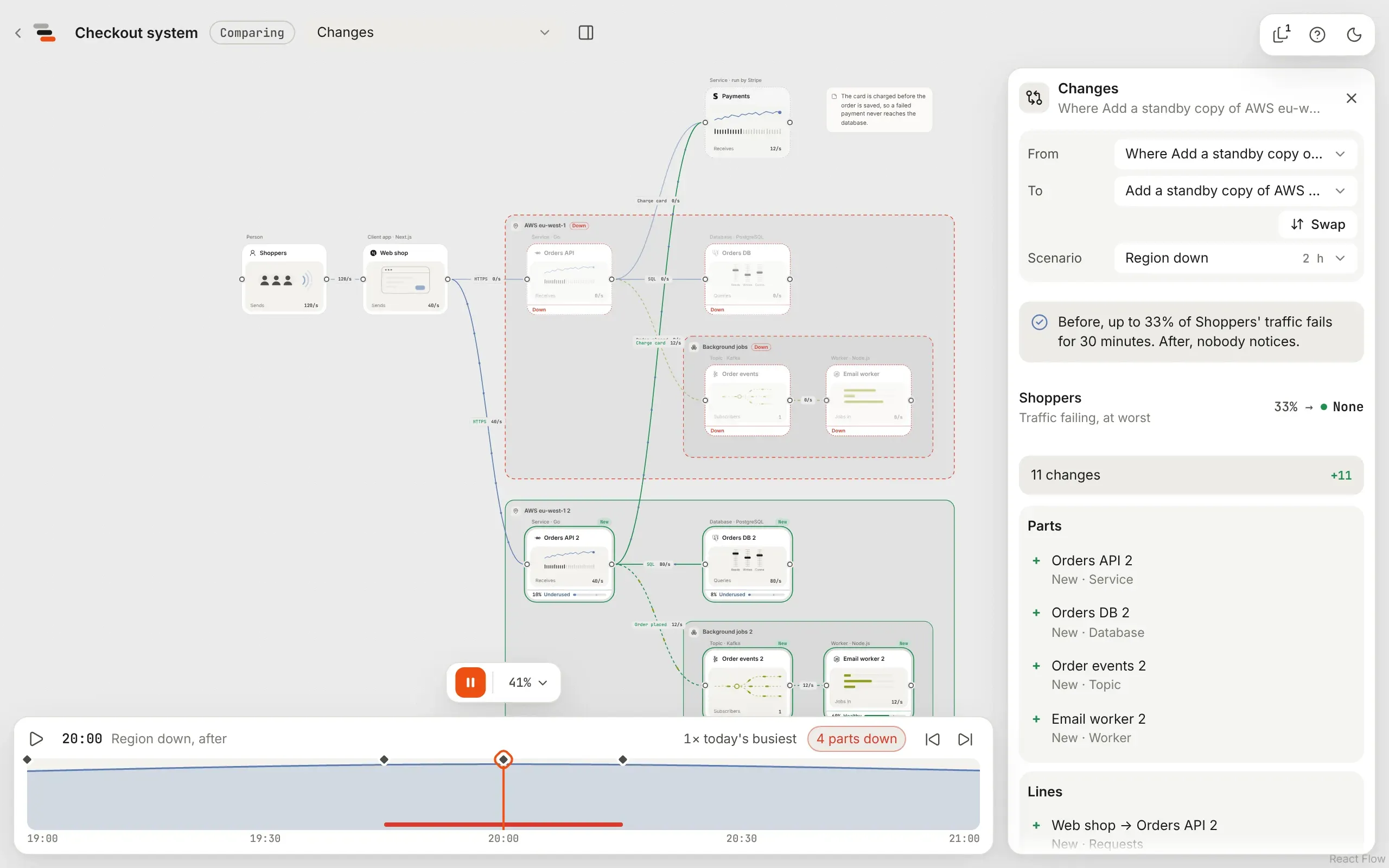
That’s the whole case: the risk, the fix, and its price. The price is the copy of everything in the region, so it doubles what the region costs: $1.70 an hour becomes $3.40.
4. Tell it as a story
Section titled “4. Tell it as a story”-
On the Compare screen, with Region down playing, choose Tell it as a story under how each map copes.
-
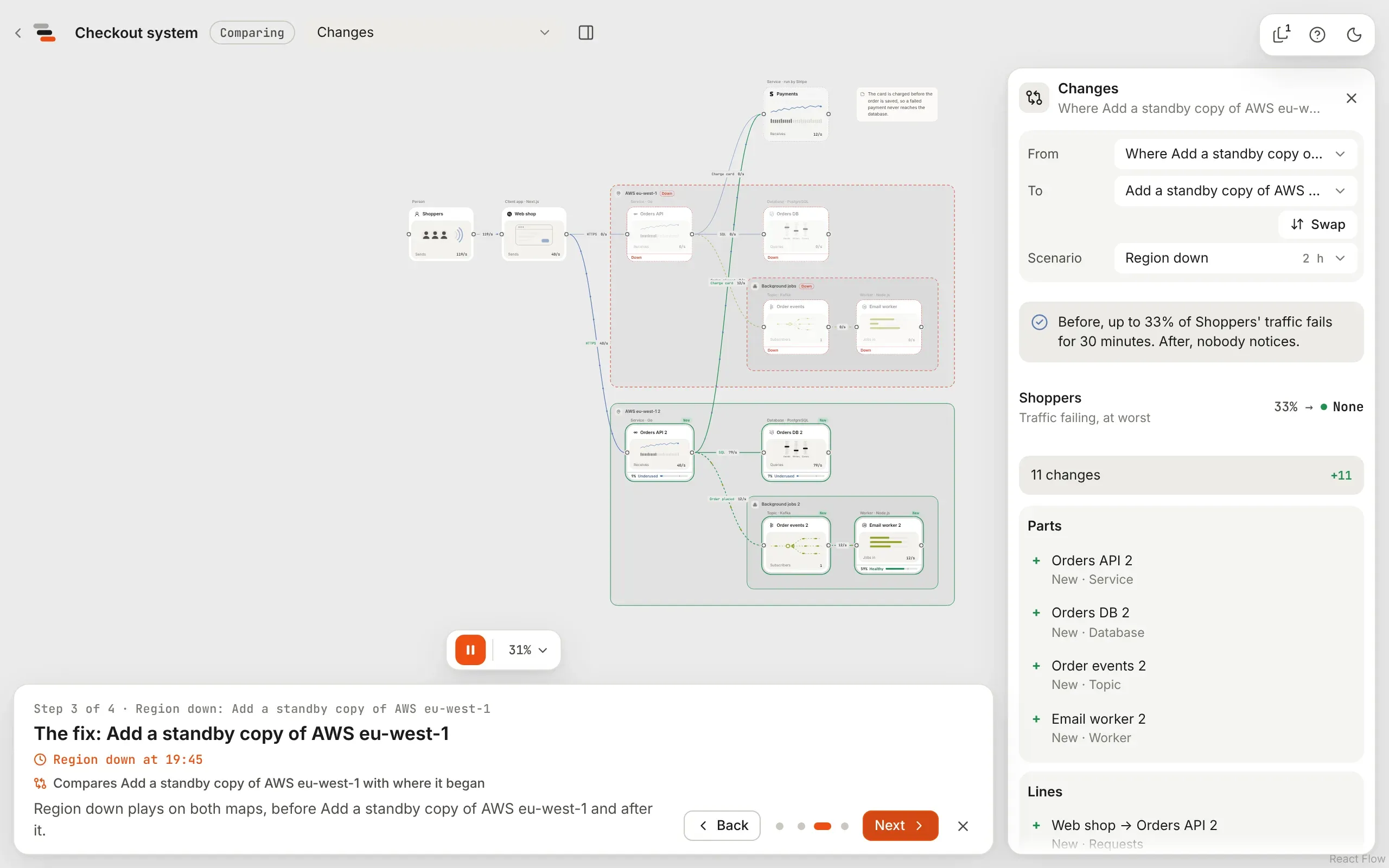
Flozu writes a four-step story on the map: Region down from the start, the moment it goes wrong, the fix (comparing the proposal with the map at that moment), and the moment things are well again.
-
Change the words for your audience. For a manager, the third step might say: “A standby copy of the region takes over, and nobody notices. It costs about $1,241 a month.”
5. Show it
Section titled “5. Show it”Present the map (View in the mode menu, then Story) and step through it. The third step opens the comparison, with the same scenario playing on both maps.
6. Adopt it
Section titled “6. Adopt it”When the answer is yes, open the proposal and choose Adopt. Flozu saves the map as a version first, then makes the proposal the map. The story still opens its comparison, because the adopted proposal remembers where it began.
What you learned
Section titled “What you learned”- A proposal is a safe place to try a change. The map only changes when you adopt.
- The replay is the proof. One scenario, two maps, one sentence that says what changed.
- Costs turn a fix into a decision. Rough prices are enough to compare two designs.
- Versions and proposals covers comparing any two versions.
- Response times and cost covers what the estimates count.