

Versions and proposals
Before a big change, you want two things: a way back if it goes wrong, and a way to try it without touching the map everyone else is looking at. Versions are the way back: the map as it was at a moment you chose. Proposals are the safe place to try: a copy of the map you change freely, compare with the original, and adopt only when you’re sure.
Try it
Section titled “Try it”On the Checkout system template:
- Choose Versions from the mode menu, then Save version. Call it “Before search”.
- Choose Propose a change, and call it “Add a search service”. The proposal opens.
- Add a service called “Search” and connect the Web shop to it.
- From the Actions menu, choose Compare with where it began. The new part is ringed in green and tagged New, and the panel lists the change.
Nothing has changed on the map itself. Adopt makes it so; deleting the proposal leaves the map as it was.
Where they live
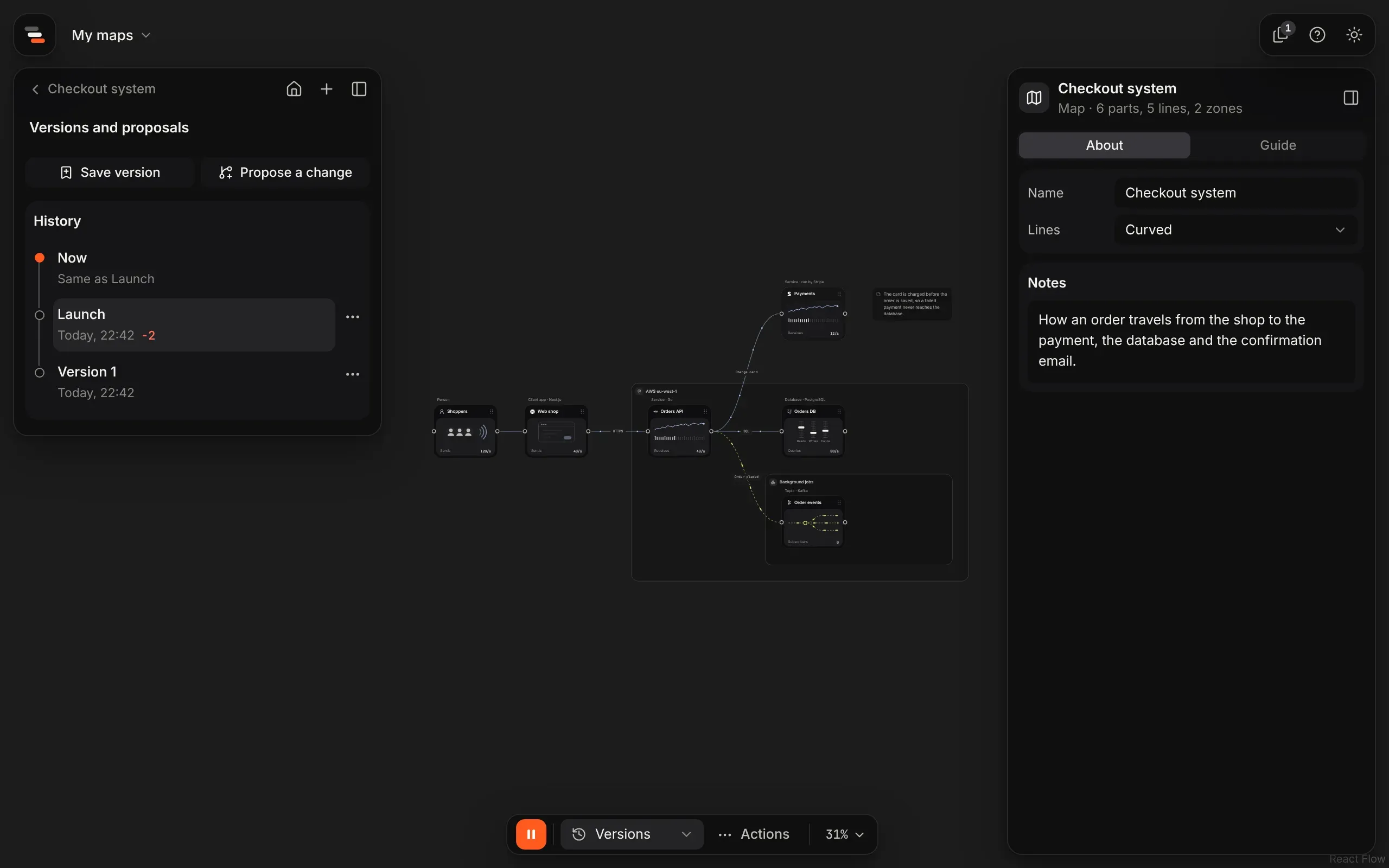
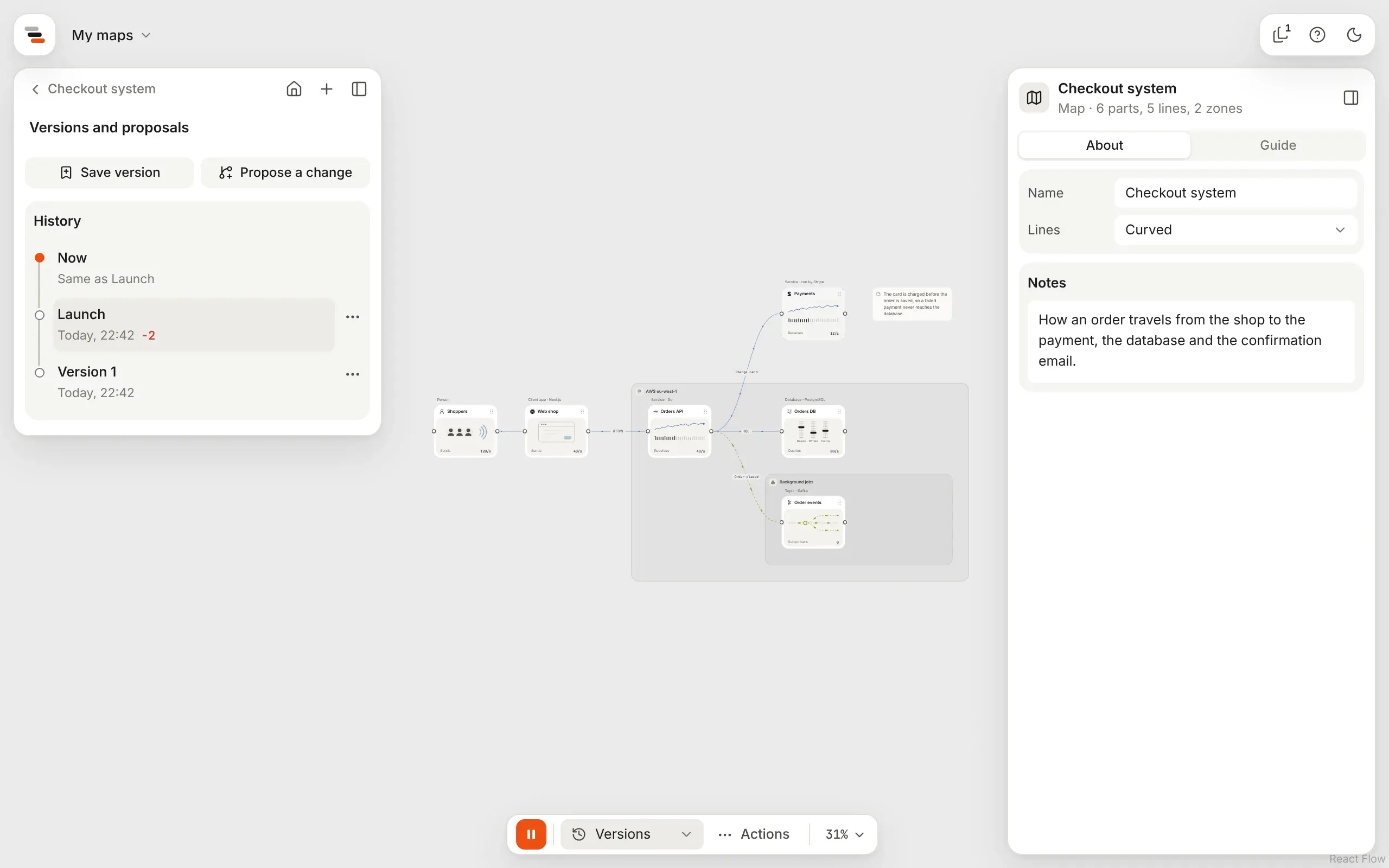
Section titled “Where they live”A map keeps its history beside it. Choose Versions from the mode menu on the island to open its versions, in the panel where the parts library was.
Save a version
Section titled “Save a version”Save version keeps the map as it is now, with a name (“Version 3” to start with) and a note
if you like. The history lists versions newest first, each with when it was saved and how much
changed since the one before, such as +2 −1 ~3: added, removed and changed. Now, at the top,
says whether the map has changed since the newest version.
Restore a version
Section titled “Restore a version”Choose Restore from a version’s menu to put the map back to how that version holds it, saved scenarios and stories included. It’s one step, so one undo puts it back. Before anything replaces the map, Flozu saves the map as it is as a version first (“Before restoring Launch”), so a restore never loses anything.
Propose a change
Section titled “Propose a change”Propose a change starts a proposal: a copy of the map, named for the change, such as “Add a search service”. It opens in the editor like any map, and its edits save into the proposal, never into the map. The top left says which proposal is open, with the way back to the map. Compare with where it began, Rename proposal… and Delete proposal… are in the island’s Actions menu, and Adopt is at the end of the island. Deleting asks first, then goes back to the map.
A scenario can start a proposal too: Try it, beside a fix, starts one with the fix made. While a scenario runs on a proposal, the top left also says what the proposal does to how the map copes with it, such as Copes now. Select it to compare. See failure drills.
Claude’s changes come in as proposals too, noted “Suggested by Claude.”, including a map of your code drawn again after the code changed. See mapping a repository again.
Adopt a proposal
Section titled “Adopt a proposal”Adopt makes the map what the proposal holds:
- Flozu saves the map as a version first (“Before adopting Add a search service”).
- The map becomes what the proposal holds.
- The proposal becomes a version under its own name, marked as an adopted proposal. It keeps where it began, so its menu offers Compare with where it began, and a story step that compares it still works.
If the map changed since the proposal began, adopting says so, whether you adopt from the history or from inside the proposal. Those changes are kept in that first version, not merged.
Compare
Section titled “Compare”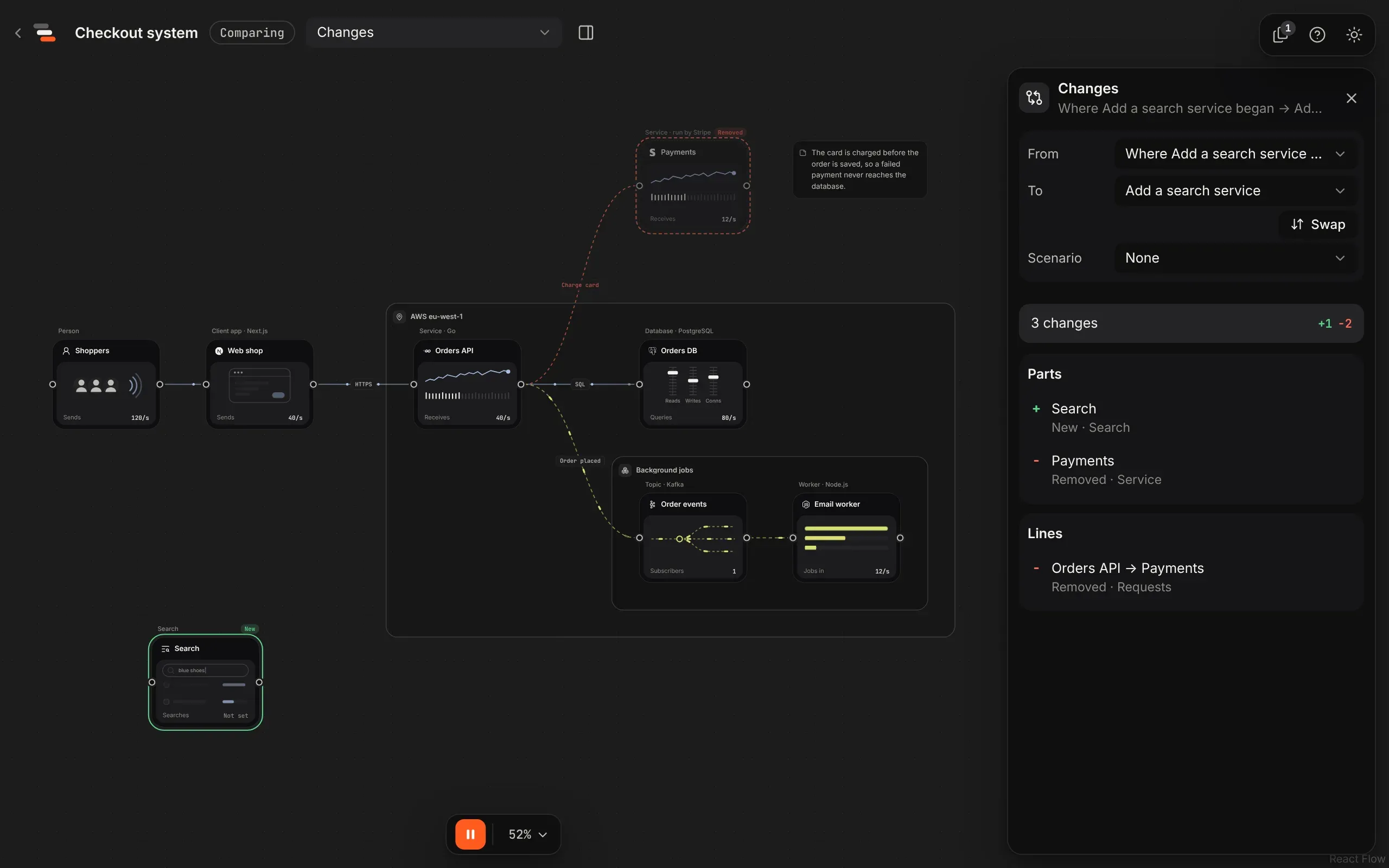
Choose Compare with now or Compare with the one before from a version’s menu (or Compare with where it began for a proposal, adopted ones included) to see two of a map’s versions on one canvas. Either side can be the map now, a version, a proposal or where a proposal began. Compare is read-only, so it’s safe for showing a proposal to others, and a story’s step can open one as it plays: see show a fix and its replay.
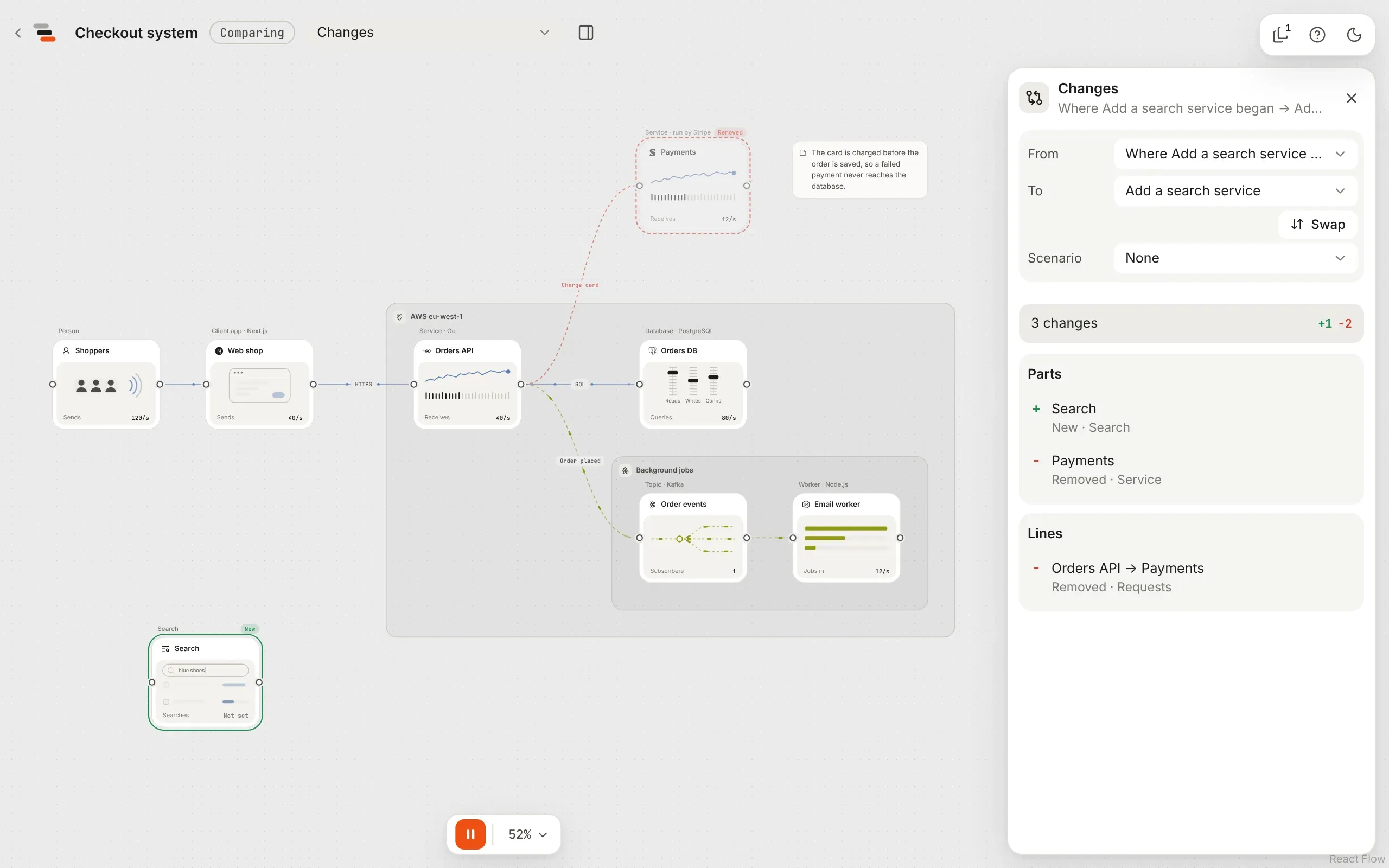
- Changes, the default, draws both at once: a new part ringed in green and tagged “New”, a removed one faded and ringed in red, a changed one in amber, and a moved or resized one with a quiet dashed ring. Lines and zones take the same colours.
- Before and After show one map each, with its changes marked. Switching keeps the camera still, so your eye can follow what moves.
The panel beside it lists every change, by parts, lines, zones, notes, views, stories and saved scenarios, field by field (“Capacity: 500/s → 2k/s”). Pick one to select it on the canvas. Changes to the map itself come first: its name, its description and how its lines run.
- A story says how each step changed: “New step: The fix”, “The peak: words and moment changed” or “Calm: moved to step 3”.
- A saved scenario names its settings as the scenario panel does, such as “How busy: 1× → 6×”, and says when its failures changed apart from its other events. Pick one to play it on both maps.
Replay a scenario
Section titled “Replay a scenario”Pick a Scenario in the panel to play the same one on both maps. It starts as the scenario the map was running, at the same moment. When the two hold a saved scenario differently, say a proposal moved a drill, both play it as To holds it, and As in lets you play From’s copy on both instead. One timeline drives both: drag it or play it, and Before and After each show their own map’s health. Changes shows the second map’s, with anything it removed as the first had it.
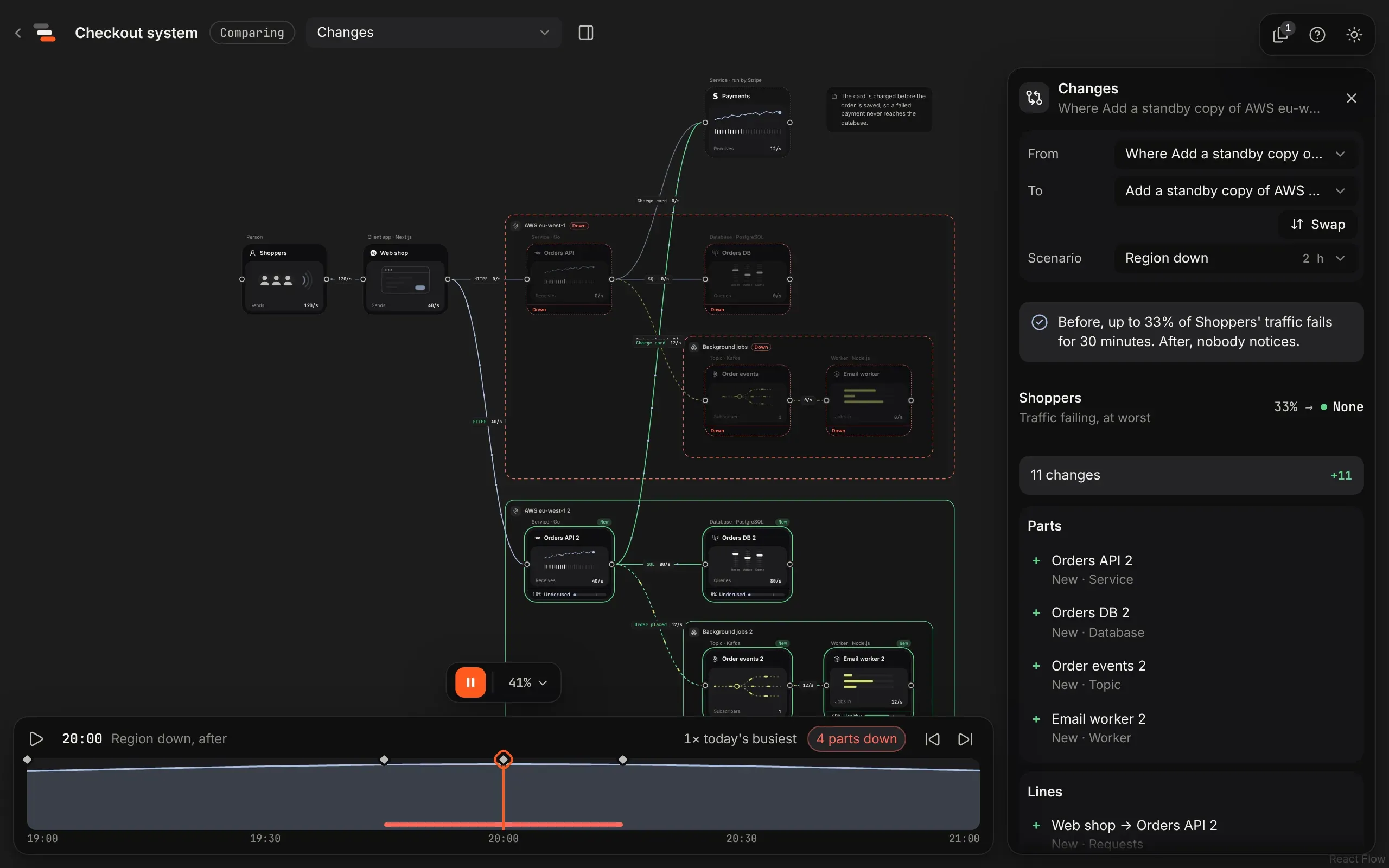
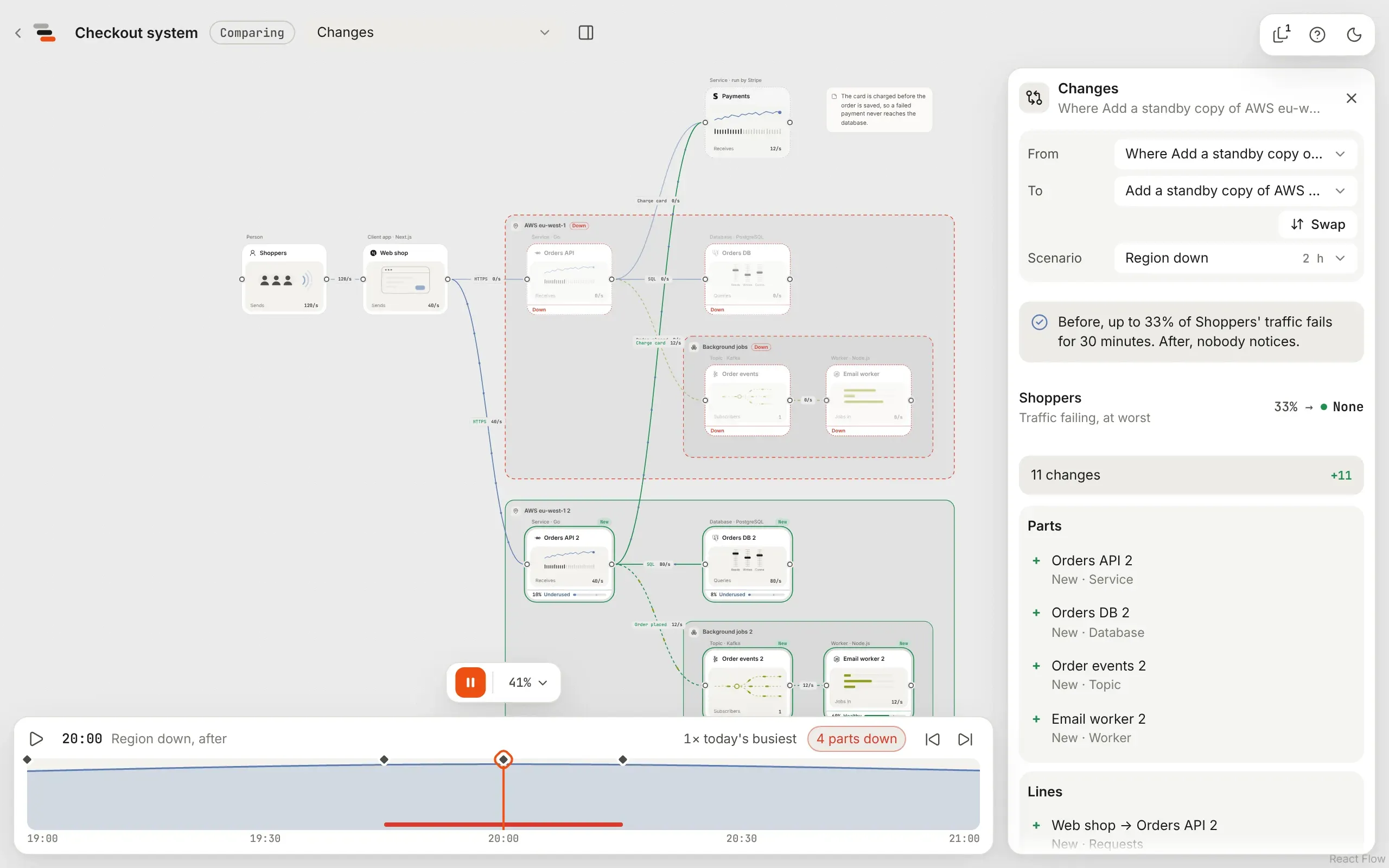
The panel says first what the change did, such as “Before, up to 33% of Shoppers’ traffic fails for 30 minutes. After, nobody notices.”, then what was in trouble on either map, before → after: how much of the traffic where it starts fails at its worst, and how long each part runs short of room. Both maps play exactly the same scenario, so a failure of something only one of them has is left out of both, and the panel says so.
When the change makes requests faster or slower, or a part has a cost, it also lists the estimates: how long requests take, typically, and what each map costs a month. Times only count the requests that get through, so they’re left out where some of the traffic fails on either map. The first sentence then ends with the change in cost, such as “After, nobody notices, for about $310 a month more.”
For a scenario with random spikes or wobble, Try 50 runs on both plays the same runs on each and says how often each copes, such as “Copes in 62% → 97% of runs.” A run copes when nothing fails where traffic starts and every part has room, so a part that’s down doesn’t count against it if nobody notices.
Comparing a proposal with where it began while a saved scenario plays, Tell it as a story drafts a story around the fix: see a story from a fix.
Where history is kept
Section titled “Where history is kept”Versions and proposals are kept beside the map, not inside its file. A map file or a share link is always the map as it is now, with no history. To take the history along, export the map with its history. See import and export. Deleting a map deletes its history too. See where maps live.