

Import and export
Everything in Flozu can leave as a file and come back: one map, a project, or every map you have. The most common reason is a slide deck: choose Export… in the Actions menu, pick PNG image, tick See-through background, and the whole map drops onto any slide, sharp at twice its size. Files also back your maps up, move them to another computer, and hand them to someone else who uses Flozu.
Export
Section titled “Export”Export opens the same dialog wherever you find it:
- Export… in the editor’s Actions menu, on the island, for the map that’s open.
- A map’s menu on the Maps page.
- A project’s or folder’s menu, on its page and in the Maps panel.
- Export… in the ⋯ menu on the Maps page: on All maps for every map, and on a project for that project.
- File › Export… (⌘E) in the Mac app, for what’s on show, and File › Export all maps… (⌥⌘E).
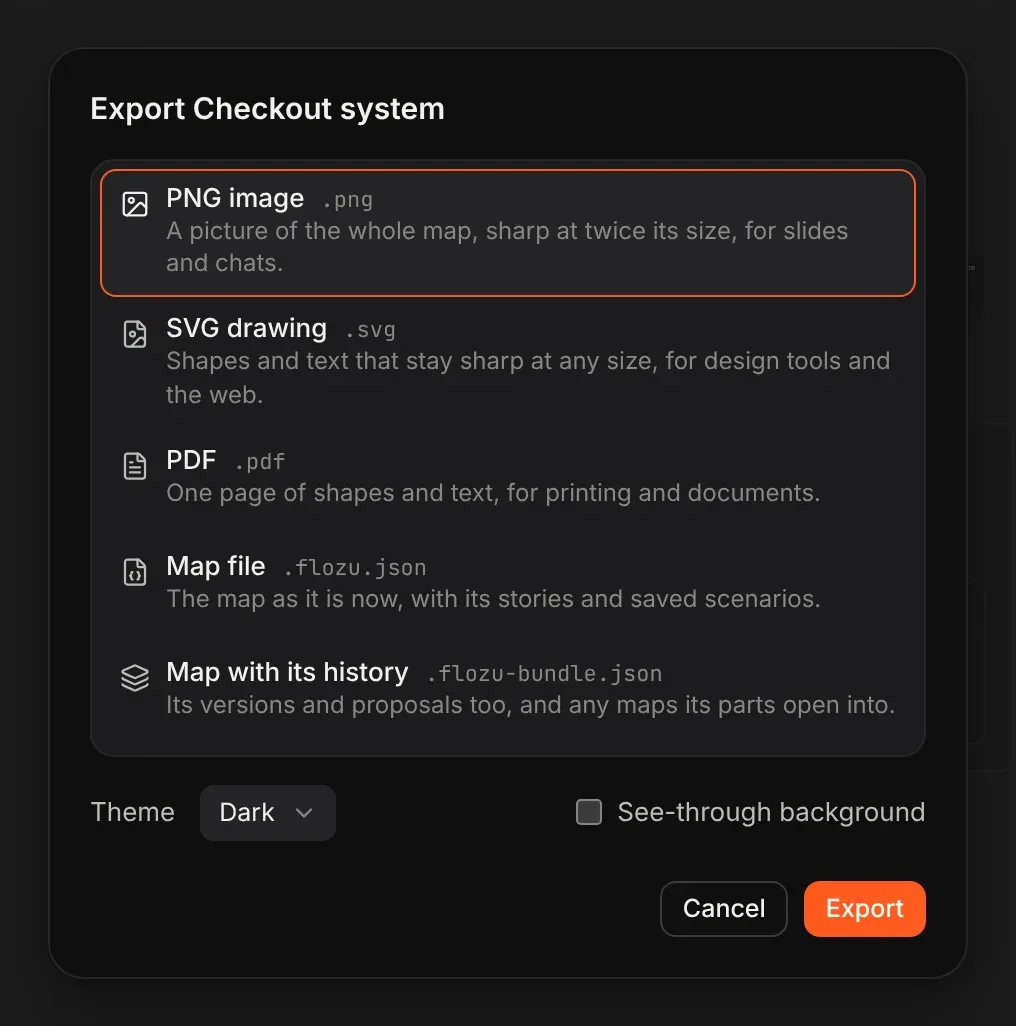
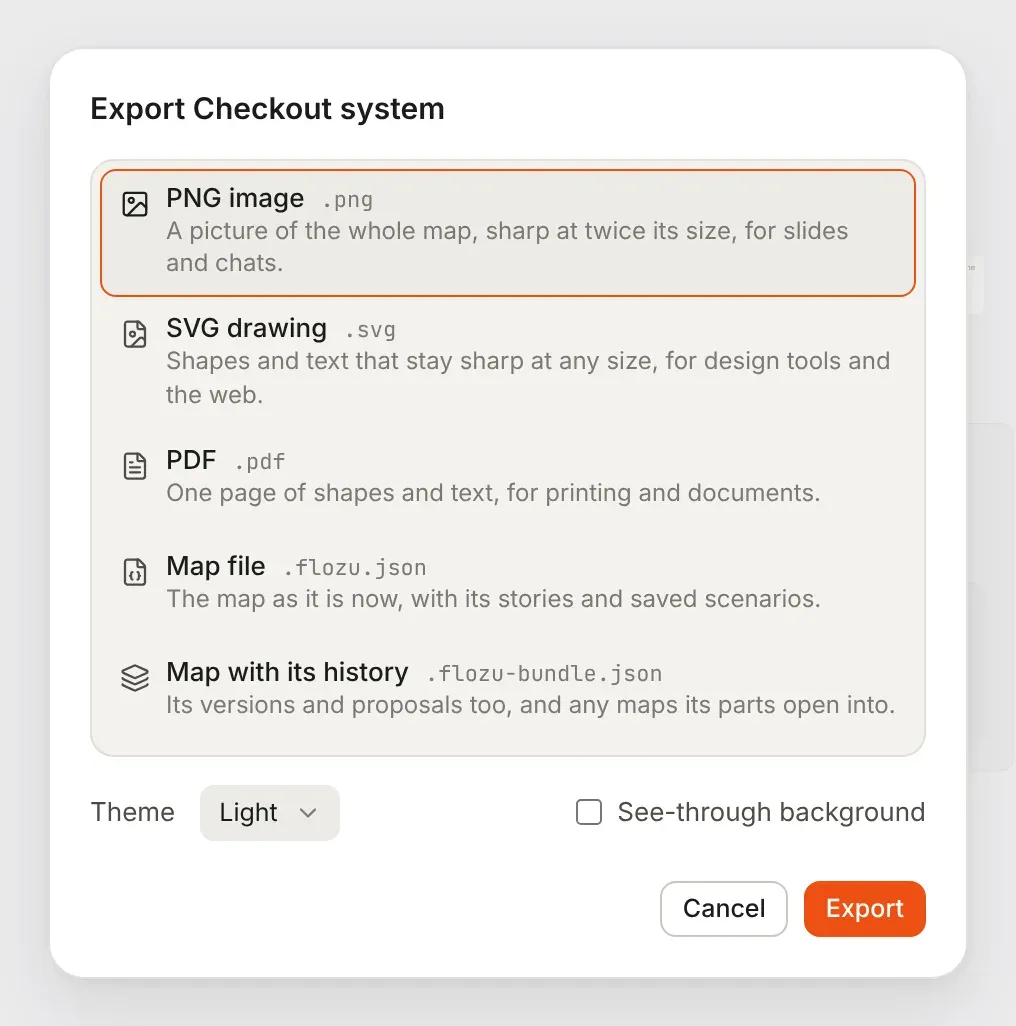
Pick what you want, then Export. The dialog offers what fits what you’re exporting.
A picture of the map
Section titled “A picture of the map”| Choice | What you get |
|---|---|
| PNG image | A picture of the whole map at twice its size, for slides and chats. |
| SVG drawing | Real shapes and text that stay sharp at any size, for design tools and the web. |
| One page of the same shapes and text, for printing and documents. |
A picture shows the whole map, not just what fits on screen, as it looks now: its styles, zones, notes, line labels and the load of any scenario you’re trying. Motion is stilled, so each part shows its resting frame, and nothing is selected.
- Theme draws it dark or light, whichever you’re using now unless you change it.
- See-through background leaves the background out of a PNG or SVG, so it sits on any slide.
Pictures need the map on screen, so they’re offered in the editor. From a map’s card, the dialog says to open the map first.
A file to open again
Section titled “A file to open again”| Choice | File | What it holds |
|---|---|---|
| Map file | .flozu.json |
The map as it is now, with its stories and saved scenarios. |
| Map with its history | .flozu-bundle.json |
The map, its versions and proposals, and any maps inside its parts. |
| The project with everything in it | .flozu-bundle.json |
Every map in the project, in its folders, empty folders too. |
| The folder with everything in it | .flozu-bundle.json |
The same, for one folder. |
| Every map, in its projects and folders | .flozu-bundle.json |
Your whole library. |
A file of several maps is a bundle. For a project, a folder or every map, tick Include versions and proposals to take their history too. Before you export, the dialog says what the file will hold, such as “It holds 12 maps, 3 folders and 20 versions”.
A bundle also carries any map a part in it opens into that’s kept somewhere else, so its links still lead somewhere when it’s imported.
Import
Section titled “Import”Bring in any file Flozu exports, three ways:
- Import on home, or Import… in the ⋯ menu on the Maps page.
- Drop files anywhere on a page of maps.
- File › Import… (⌘O) in the Mac app.
Maps come into the project or folder on show. Flozu works out what each file is from what’s in it, not its name: a map, a bundle, or a single version, which joins its map when you have it. Maps made by an older version of Flozu are updated as they come in. An outline Claude wrote from your code comes in drawn as a new map: see map your code with Claude.
An import never overwrites anything
Section titled “An import never overwrites anything”- A map you already have comes in as a copy beside it, with its own versions. Links to it from other maps in the same bundle follow the copy.
- A bundle’s top folders come in under a free name, so a project imported beside itself becomes “Payments 2”.
- A map a part opens into isn’t copied again if you already have it.
- Something that can’t be read, such as one damaged map, is left out and named, and the rest still comes in.
A bundle that would nest folders more than six deep is refused before anything is made. If a file won’t import at all, see troubleshooting.
Other ways to share
Section titled “Other ways to share”- A share link carries a map inside the link, for someone to look at without importing anything. See share a link.
- In the Mac app each map is already a file in Documents › Flozu, so anything that syncs that folder moves your maps too. See files and folders.
The files themselves are described in file format.